Create Professional Mockups in Seconds
Upload your design, pick a product, and download. No design skills needed. Free for t-shirts, posters, business cards, devices, and more.
Popular Mockups
Start with our most-used templates
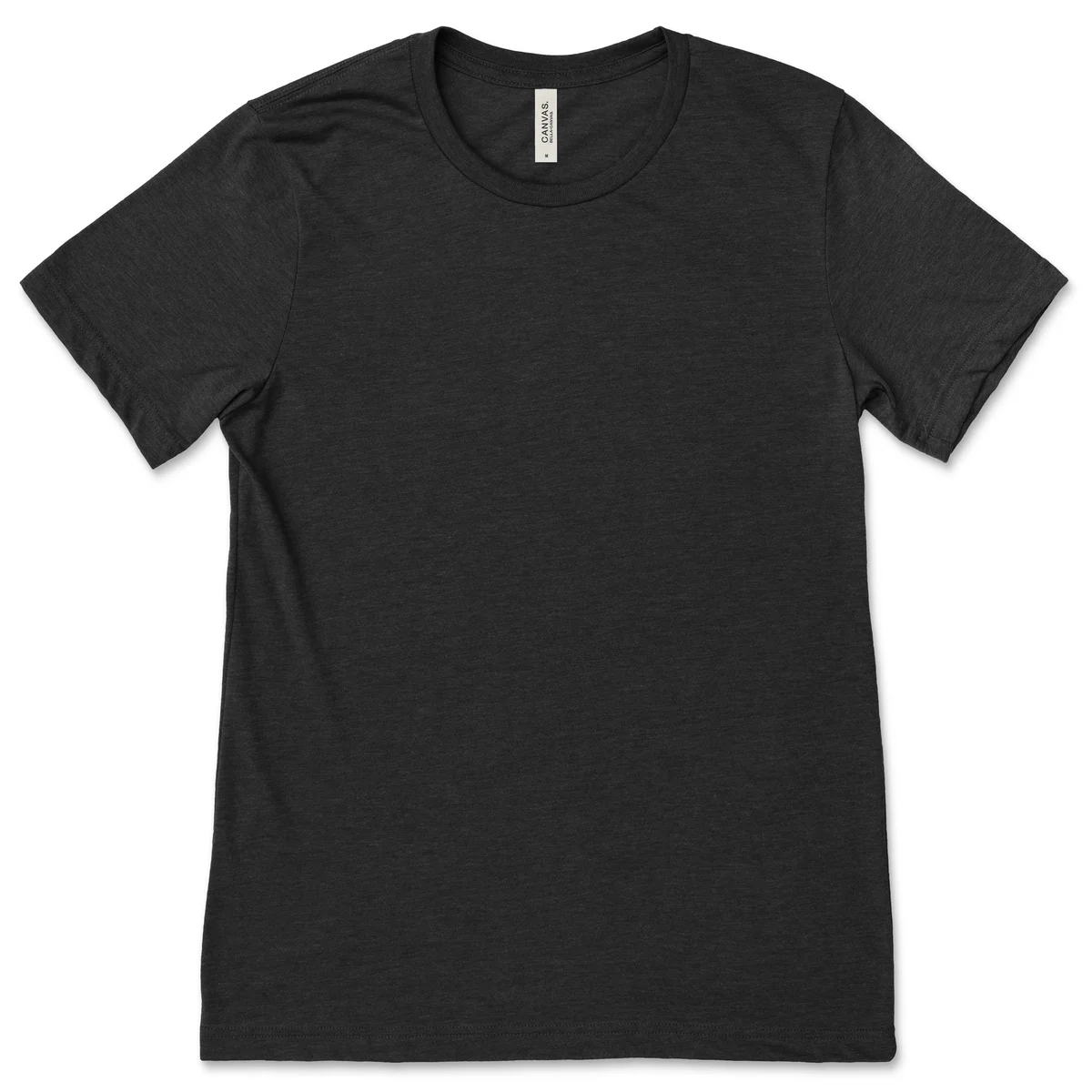
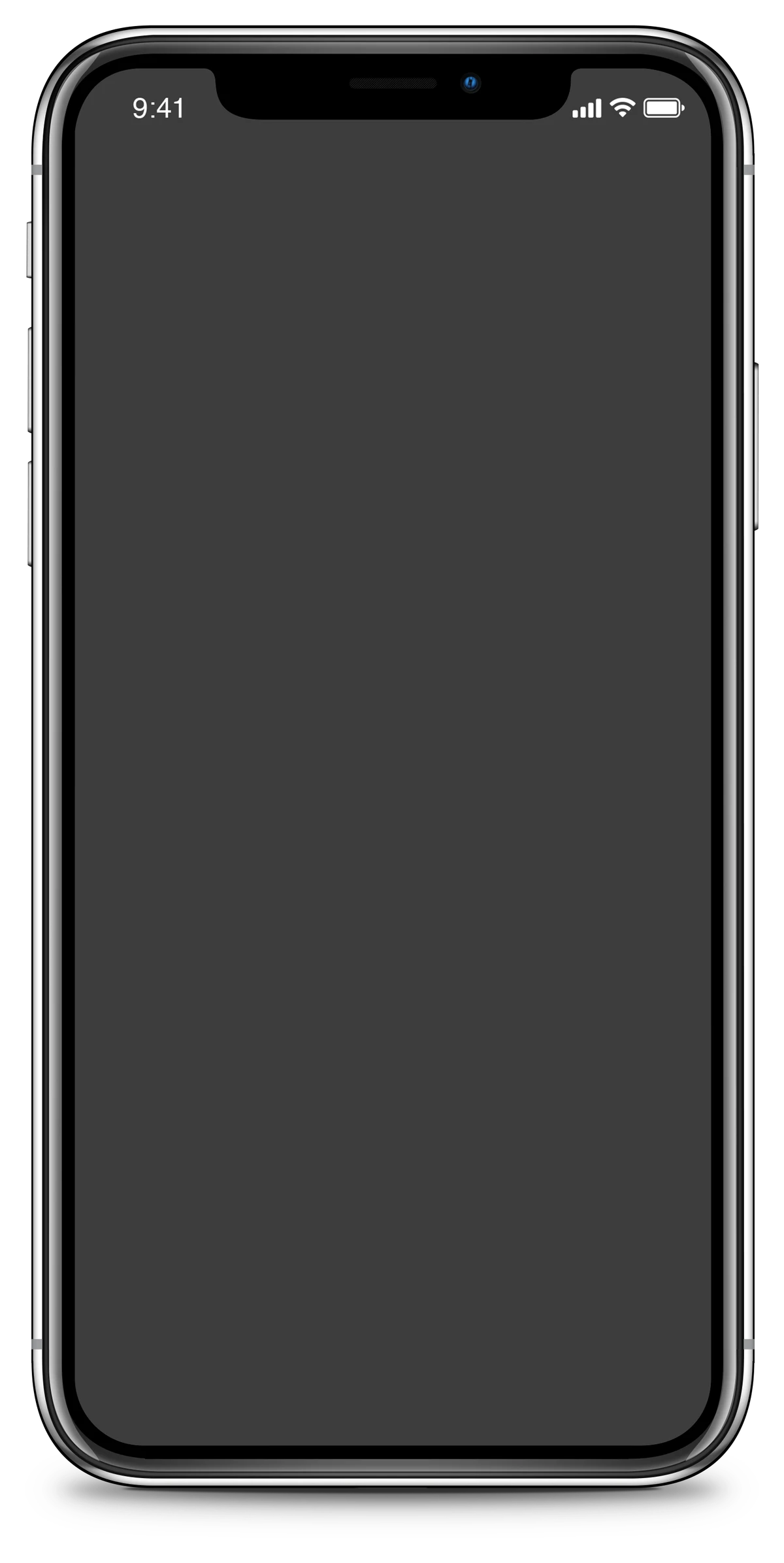
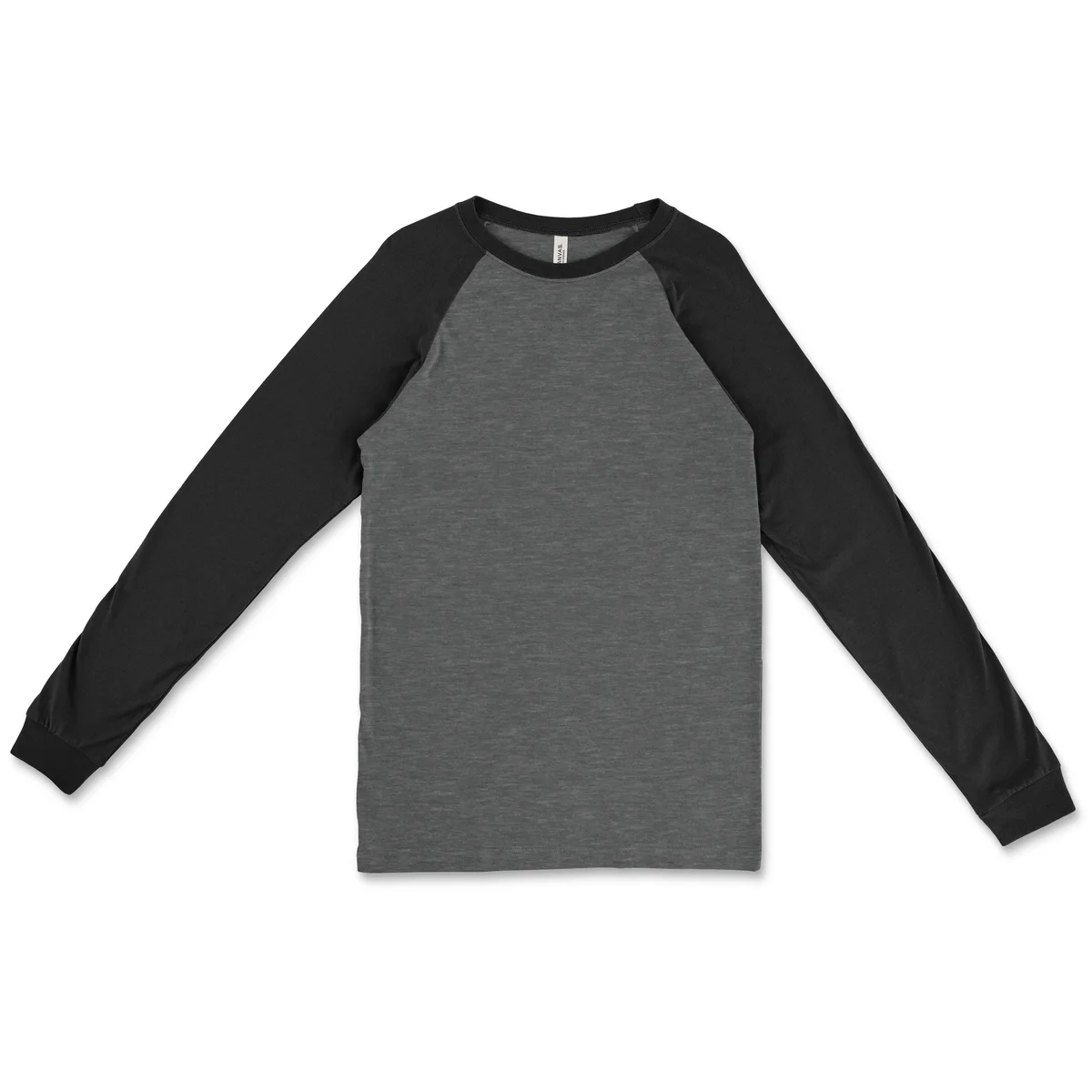
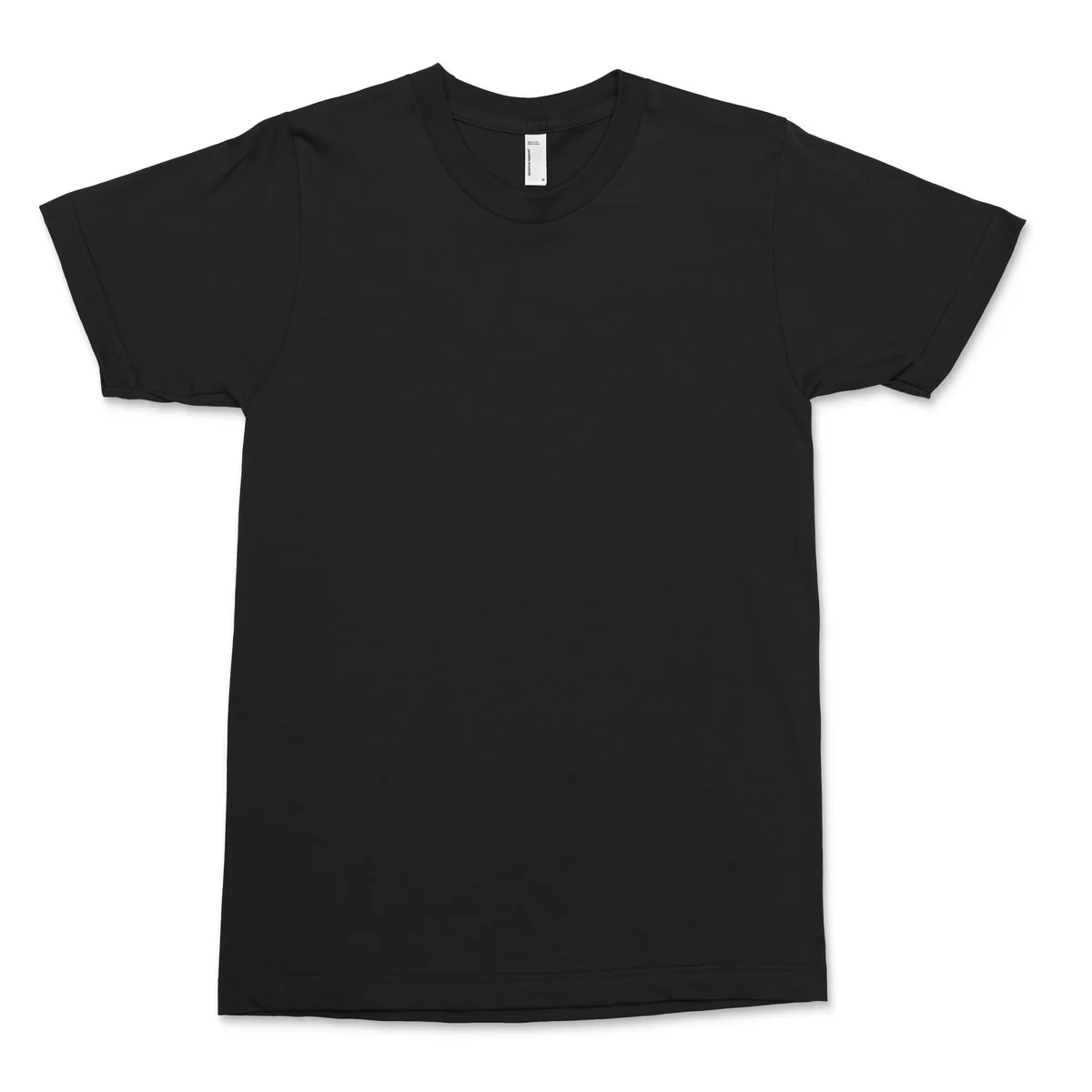
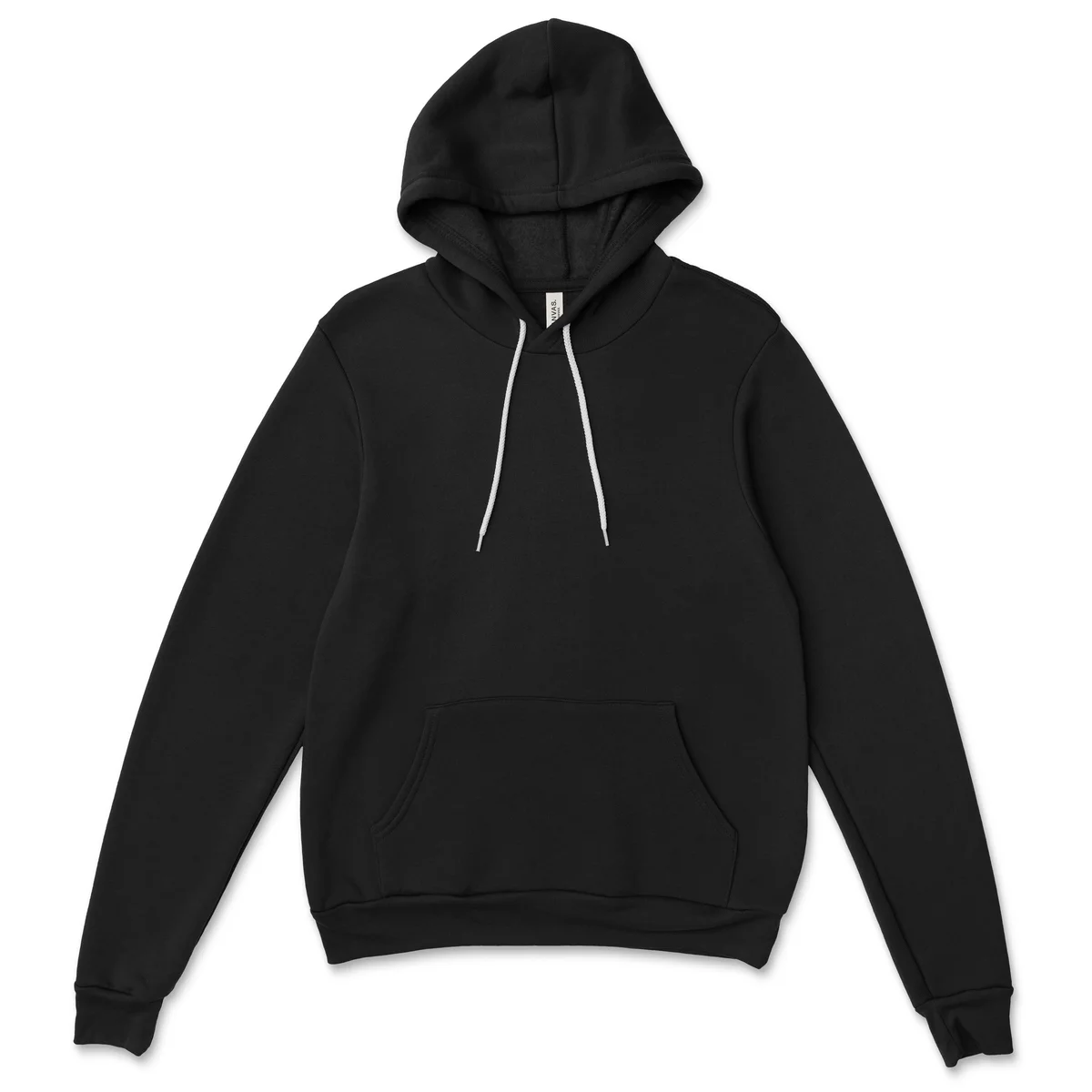
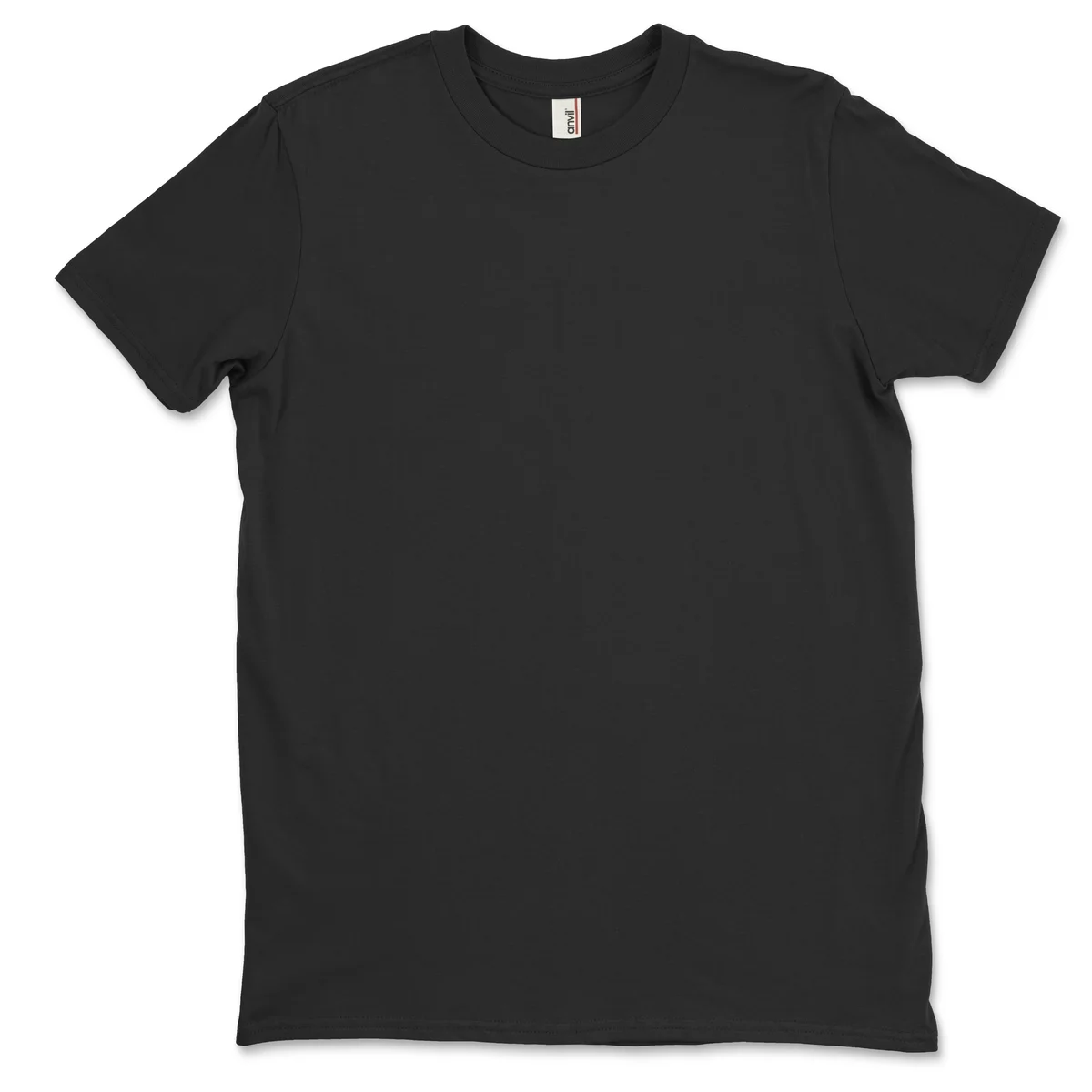
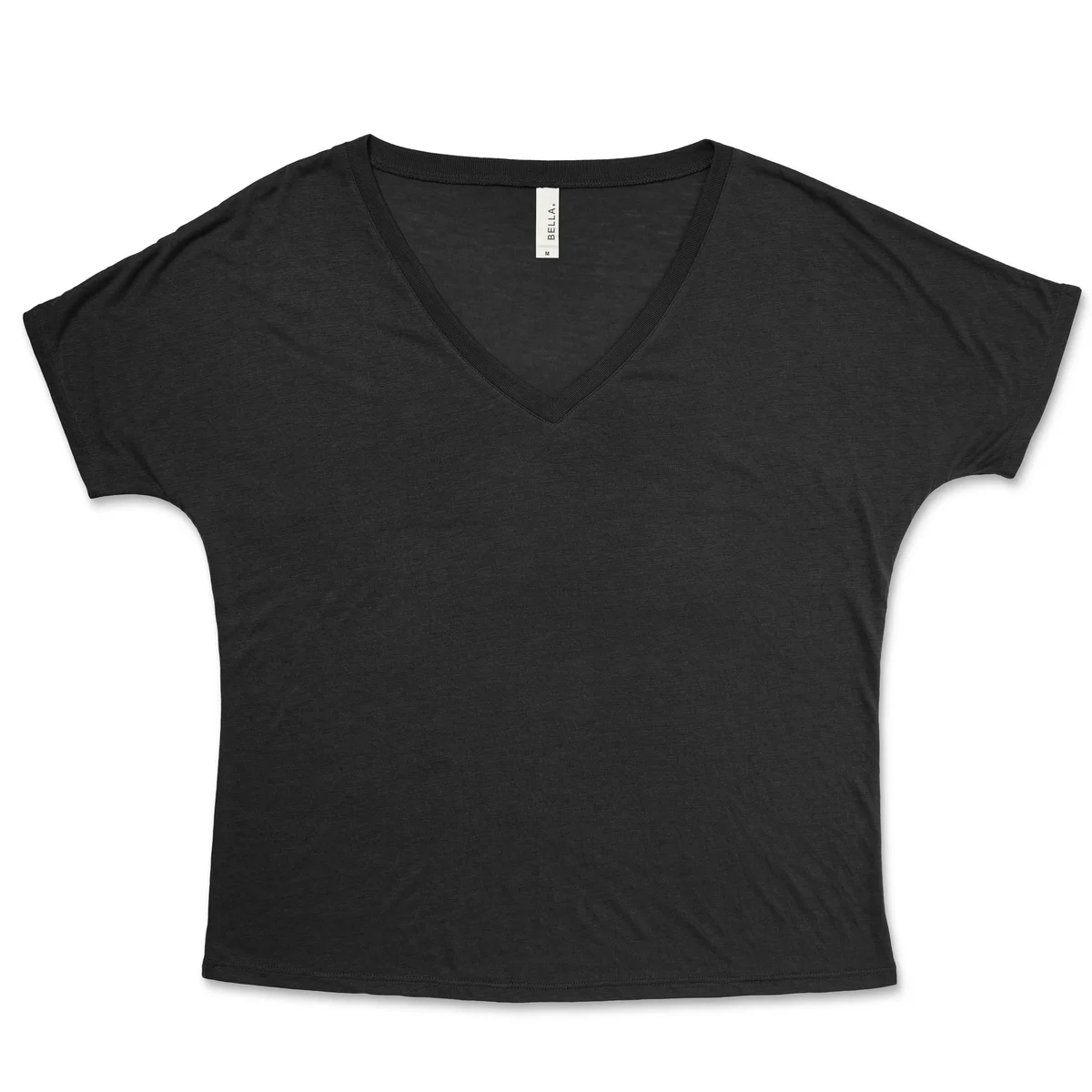
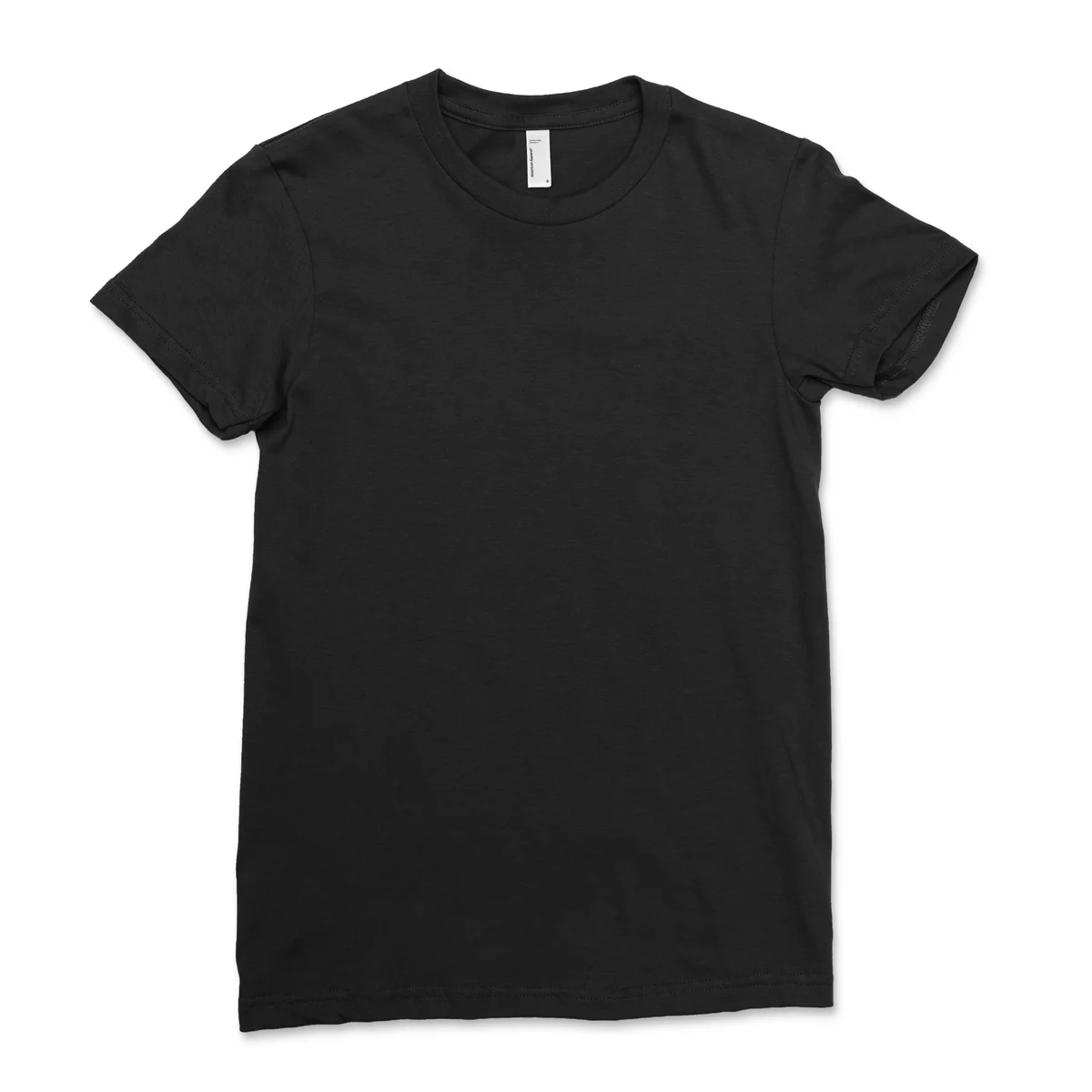
Browse by Category
How It Works
Three simple steps to a professional mockup
Upload Your Design
Upload a PNG, JPG, or SVG of your design. Or browse Creative Fabrica's asset library.
Customize
Position, scale, and rotate your design. Change the product color to match your brand.
Download
Download your mockup in high resolution. Perfect for Etsy, social media, or presentations.
Thousands of Ready-Made Designs
Don't have a design yet? Browse Creative Fabrica's library of graphics, illustrations, and fonts — and place them directly on your mockup.
Browse DesignsPerfect For
Etsy Sellers
Create listings that sell with professional product shots.
POD Businesses
Visualize your designs on real products before printing.
Social Media
Export mockups sized for Instagram, Pinterest, and more.
Presentations
Impress clients with realistic device and product mockups.
Frequently Asked Questions
Is CraftView really free?
Yes! You can create and download low-resolution mockups completely free, no account needed. Sign up for a free account to access high-resolution downloads.
What file formats can I upload?
We support PNG, JPG, and SVG files. For best results, use a transparent PNG.
Can I use these mockups commercially?
Absolutely. All mockups created with CraftView are free for personal and commercial use.
How do I get the best results?
Upload a high-resolution design with a transparent background. Position it within the design area and adjust the scale to fit naturally on the product.